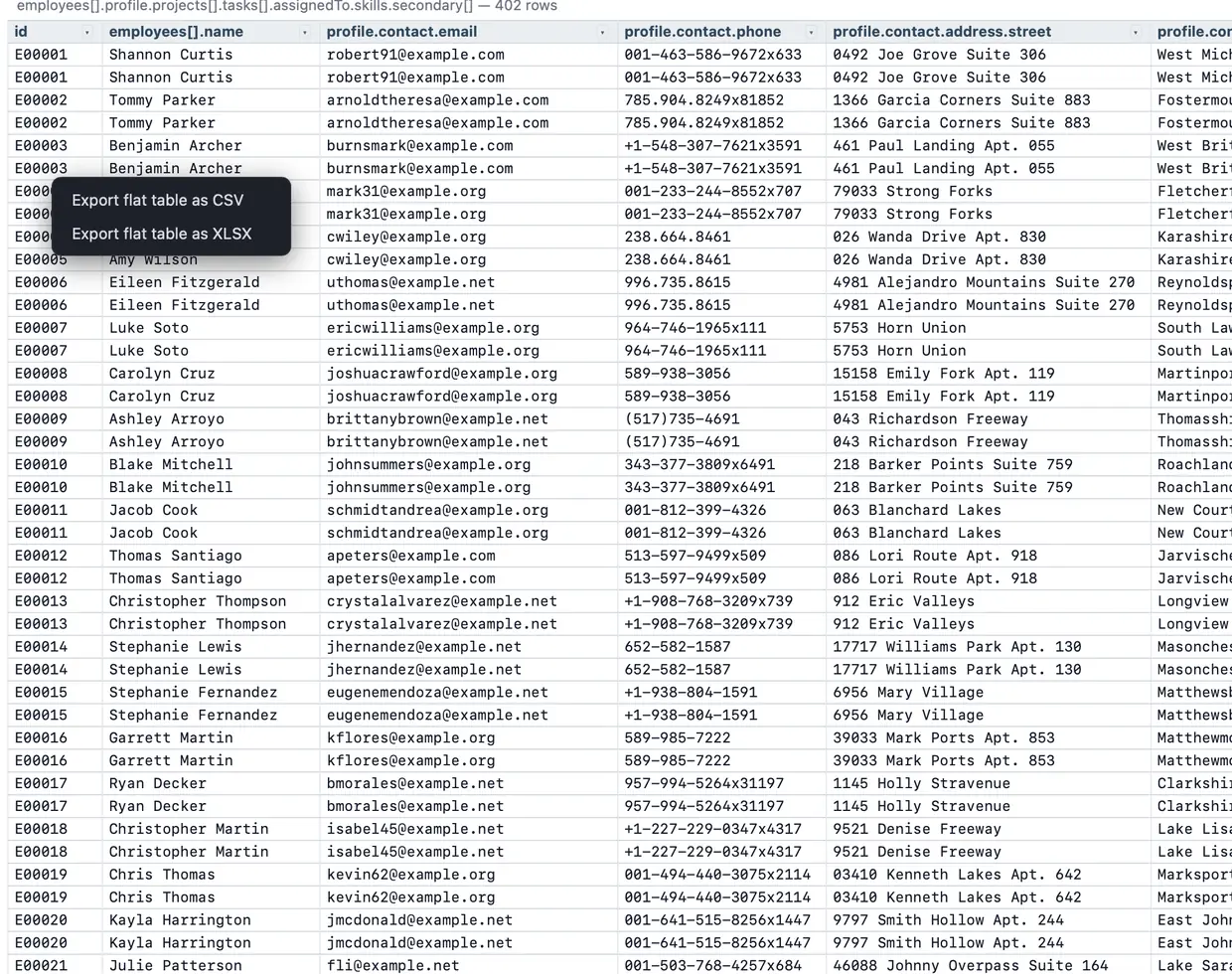
Open JSON, JSON Lines, or NDJSON, flatten nested objects and arrays into rows and columns, filter what matters, then export the visible result to a typed .xlsx file. Your data stays on your device.
A JSON export often contains customer objects, nested addresses, arrays of line items, and optional fields. A basic converter either puts those objects into unreadable cells or silently loses structure. JSON Analyzer lets you inspect the document first, then choose the useful table.
.json, .jsonl, or .ndjson file.The browser version reads the file locally. The desktop app is fully local-first. Ordinary viewing, filtering, flattening, and export do not send your JSON to JSON Analyzer or any third party.
Use it for API responses, database exports, support bundles, analytics events, fixtures, and logs. You can also export CSV or Markdown when Excel is not the final destination.
Try the workflow with the included sample, then open your own JSON when you are ready.
Try JSON Analyzer